
Just say Hey Keak
A small orb in the corner. You say Hey Keak, it wakes up, listens, and answers out loud.
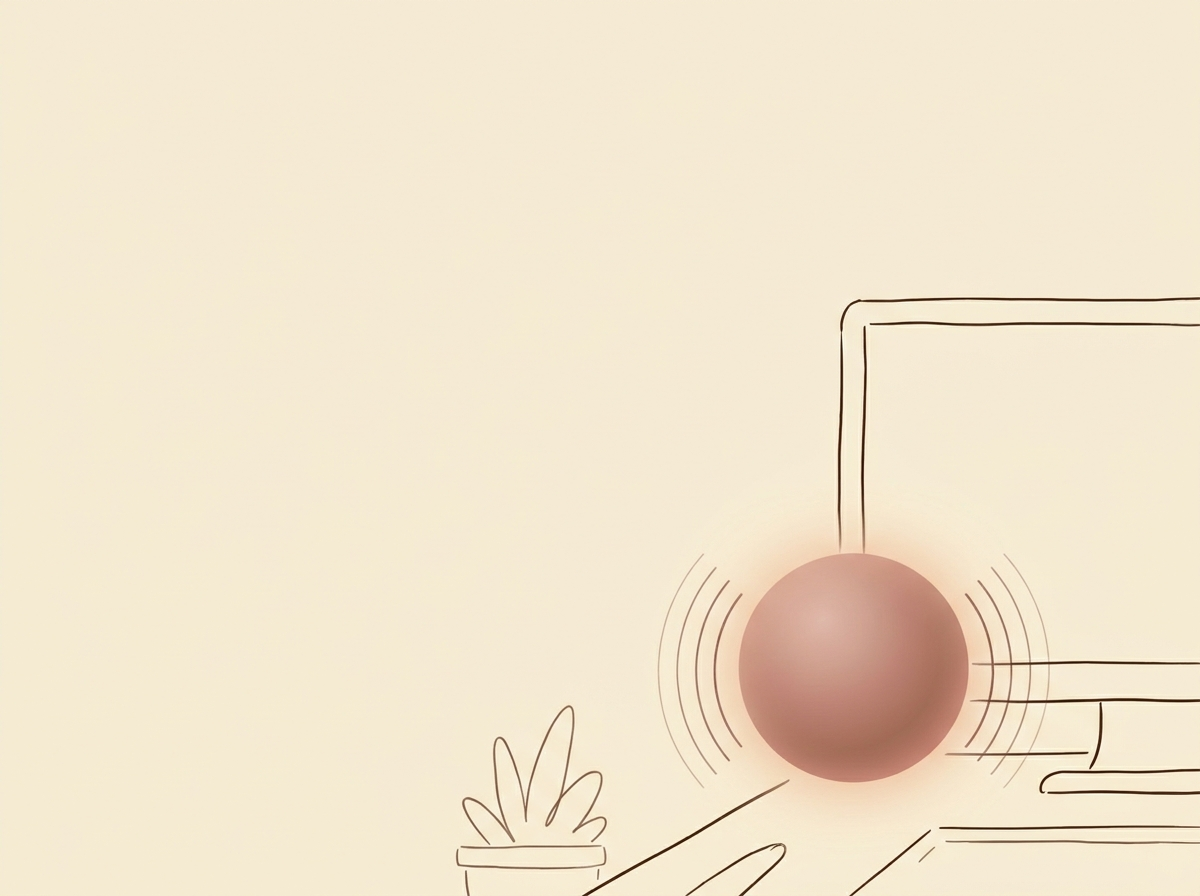
Shortcuts are great until your hands are busy. So we built a tiny orb that sits quietly in the corner of your screen. You say Hey Keak and it wakes up, listens to what you need, and answers out loud. No key combo, no clicking, no window to open. It feels closer to talking to a person in the room than to using an app.
Why voice, why now
I noticed something obvious while building Keak. Most of the time when I want the computer to help me, my hands are already doing something else. I am cooking, I am holding my kid, I am mid sentence in another window, or I am on a walk with my laptop closed. Reaching for a shortcut kills the moment. Speaking does not. So the goal became simple. Make the fastest way to talk to your computer feel like the most natural one too.
How the orb actually works
The orb lives on top of every window. It is small enough to forget about and glows softly when it hears the wake phrase. When you say Hey Keak it opens a quick listening state, transcribes what you said locally, and sends it to the AI you already use. Then the answer comes back as a voice reply and, if useful, a short written note you can copy or drop into whatever you were doing.
Because it runs on your own AI, it already knows the things you have told it. Your notes, your writing style, the people and projects you care about. You are not starting from zero every time. You are picking up a conversation that already knows the context.
How I use it every day
In the morning I ask it to read me the plan for the day while I make coffee. During meetings I ask it quiet questions without breaking eye contact. When I am writing, I bounce ideas off it out loud instead of stopping to type. When I am tired, I just talk. The orb is the part of Keak I did not expect to love the most, and now I cannot imagine working without it.